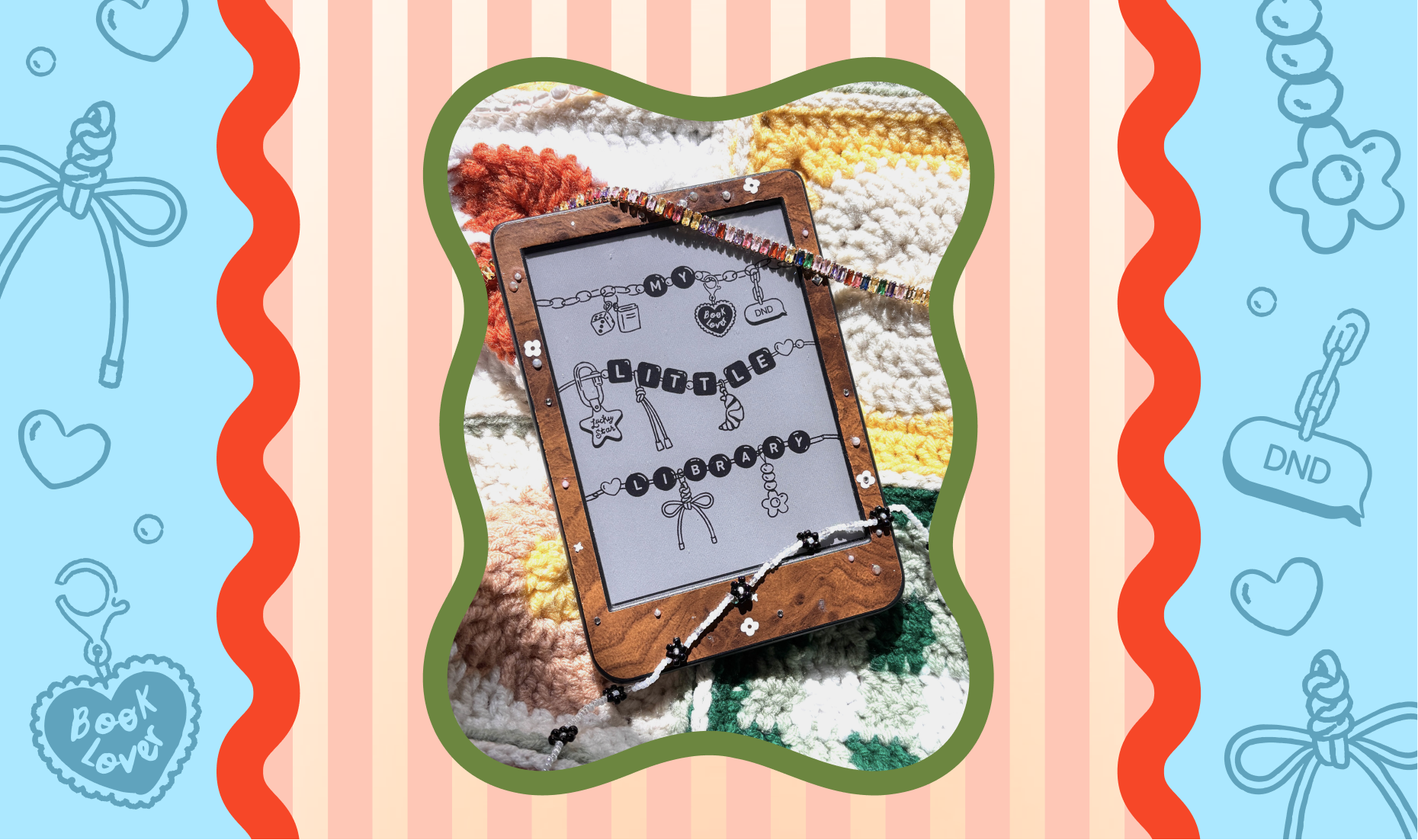
If you’re anything like me, you’ve stared at your Kobo’s sleep screen and thought… we can do better than this. Instead of a blank screen or the cover of the book I’m currently reading (because no one needs to know my business behind the scenes 👀), I went down a small rabbit hole to see if custom lock screens were even possible. To my surprise, it’s actually something Kobo supports. It might feel a little intimidating at first, but once you do it a couple of times, it’s genuinely super easy and such a fun way to make your e-reader feel more personal.
Let me walk you through it step-by-step (on a mac):
1) Plug your Kobo into your computer
- Connect via USB.
- On your Kobo, tap Connect when it prompts you
2) On the Kobo drive, navigate to:
/.kobo/screensaver/
(You may need to enable “show hidden files” on your computer to see the .kobo folder.)
2) Add your wallpaper/screensaver:
Copy/drag your PNG into: /.kobo/screensaver/
3) Eject + unplug
Safely eject the Kobo and unplug!
Shop my lock-screen wallpapers on my etsy!


